How-to
Switch podcast apps without losing your subscriptions
The most common reason people stay with a podcast app they dislike is the busywork: re-finding and re-tapping 60 subscriptions. With an OPML file the same migration takes about two minutes.
What OPML is
OPML is a simple, long-established interchange format: a text file that essentially holds the titles and feed addresses of the podcasts you subscribe to. Because virtually every serious podcast app can read and write it, it's the standard remedy against lock-in and a decent test of how seriously an app takes your ownership of your own data.
One thing to understand: OPML carries the subscription list, not your listening state. What travels and what doesn't is listed below.
Step 1: Export OPML from your old app
Menu locations differ per app. As of July 2026 the usual places are:
| App | Where the export lives |
|---|---|
| Pocket Casts | In the web interface, in the account/settings area as OPML export |
| Overcast | On the website after signing in, in the account area (“Export OPML”) |
| Castro | In the app settings under import/export |
| AntennaPod | Settings → Import/Export → Export OPML |
| Apple Podcasts | No official OPML export, subscriptions must be moved manually |
| Spotify | No OPML export, subscriptions must be moved manually |
Save the file somewhere your iPhone can reach it: in Files, in iCloud Drive, or simply by emailing it to yourself.
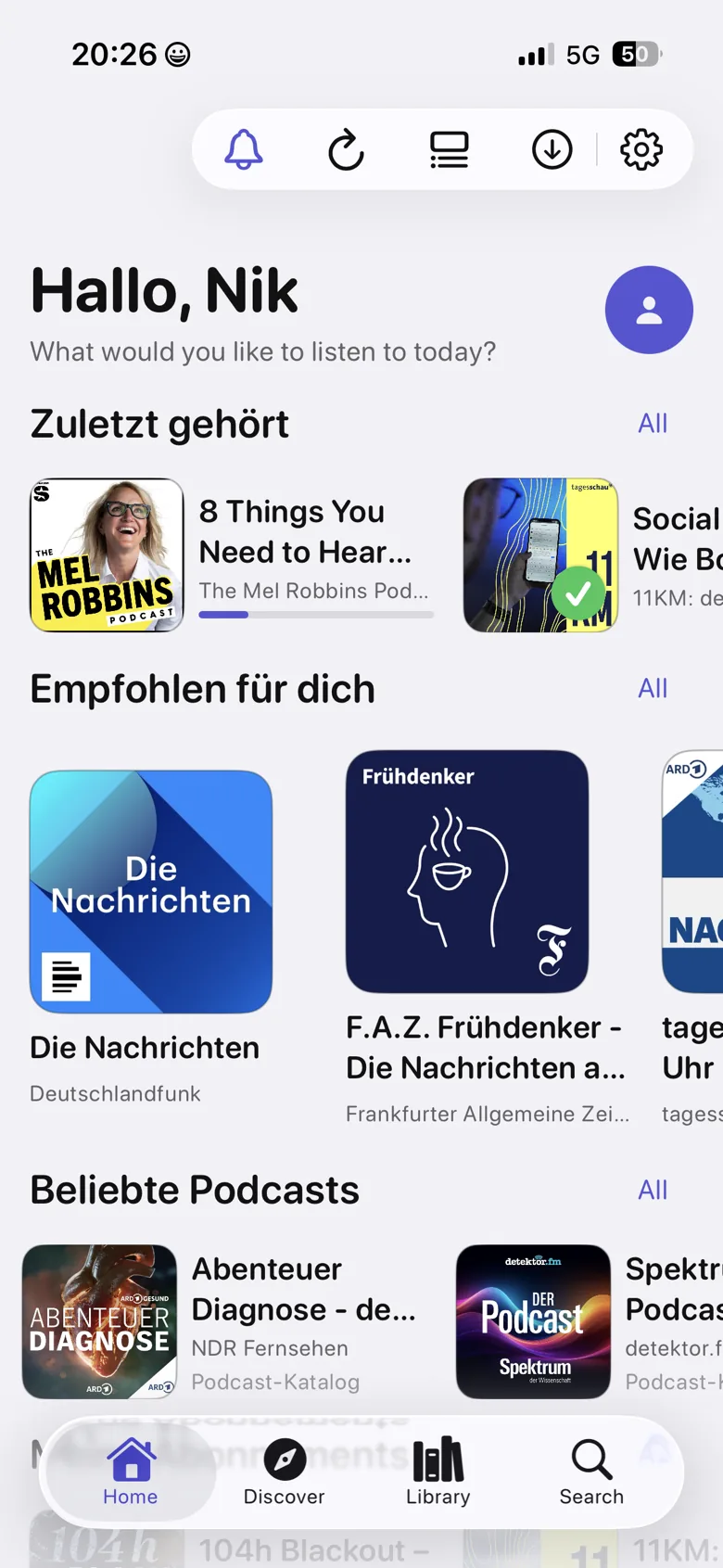
Step 2: Import into Podknow
- Install Podknow and start it without signing up, no account is created.
- Open Settings and go to the import and export section.
- Pick the OPML file. Podknow reads the feed addresses and creates the subscriptions.
- Let the feeds refresh. The first pass loads every episode list; depending on how many shows you have, give it a moment.
- Configure auto-downloads, per podcast or globally, and Wi-Fi only if you prefer.
What travels, and what doesn't
| Data | Moves with OPML |
|---|---|
| Subscribed podcasts | Yes, completely |
| Folders and groupings | Partly, depending on how the old app writes them into the file |
| Per-episode listening progress | No, it belongs to the old app's account |
| Played/finished marks | No |
| Saved lists and queue | No |
| Listening statistics | No, Podknow starts fresh and locally |
| Private and password-protected feeds | Usually yes, if credentials are part of the feed URL; otherwise re-enter them once |
The pragmatic route
Keep the old app installed and run both for a week. Finish half-listened episodes there, send everything new to Podknow. After that you can decide without losing anything, and the old app can go.
The way back stays open
Podknow exports your subscriptions as OPML at any time, plus full backups. That's deliberate: an app that keeps you only through switching costs has a product problem. If you want to leave, you should be able to, and with your data.
Frequently asked
Switch podcast apps without losing your subscriptions
What exactly is an OPML file?
A small XML text file holding the titles and RSS addresses of the podcasts you subscribe to. It's the common interchange format between podcast apps.
Does my listening progress come along?
No. OPML carries the subscription list only. Per-episode progress lives in the old app's account and cannot be exported.
What if my old app has no OPML export?
Then you move the shows once by hand through search. In practice most people have far fewer active subscriptions than they assume. A good moment to prune.
Do private and password-protected feeds work?
Yes. Podknow supports private and premium feeds; credentials are stored in the keychain and can be carried to your devices via iCloud.
Can I export my subscriptions out of Podknow again?
Yes, as OPML at any time, plus full backups. There is no lock-in.
Listen to podcasts. Keep the knowledge.
Podknow is free on the App Store. Add Premium whenever you like.
Free for iPhone & iPad · AI features as a Premium upgrade, subscription optional (lifetime)
Keep reading
A Spotify alternative for podcasts
Why a dedicated podcast player beats a music app with a podcast tab: open RSS feeds, no exclusives, no listening profile. Comparison and migration guide.
PrivacyA podcast app without tracking
What podcast apps typically collect, what “no tracking” actually means, and how to spot an app that means it. Including an honest note on what stays visible because of how RSS works.
GuidePodcast transcripts on iPhone
How to get a transcript for any podcast episode, including shows that don't ship one. Three approaches compared, and why on-device transcription is the private option.